What does Onetap cost?
Everything is free for three days — no card, no sign-up. After that, adding and editing expenses by hand, your categories, your budgets and the month you're in stay free for good. Voice entry, bank automation, earlier months, CSV and PDF export, Drive backup and extra lists need Pro: US$7.99 a month, US$69.99 a year, or US$179.99 once. See what's in each.
What happens to my data if I don't subscribe?
Nothing is taken away or deleted. Everything you've recorded stays on your phone and you can carry on adding to it by hand. Payment alerts from your bank keep being captured and held on the device — masked, never sent anywhere — so if you subscribe later you can choose to record them. Anything you don't deal with is dropped after 30 days.
Do I need an account?
No. Onetap has no account and no password. You can optionally sign in with Google, but only to back up to your own Google Drive — the app itself works without it.
Does Onetap listen to me all the time?
No. The microphone records only while you are holding the microphone button, never in the background and never without you starting it.
What actually gets sent to the AI?
Three things: the audio you record while holding the mic, the text of the expense you describe, and the text of payment notifications from the banking apps you added. Card and account numbers are masked on your phone before anything is sent, and one-time passcodes are never sent at all. Your ledger itself is never uploaded. The privacy policy has the detail.
Does Onetap track what I do in the app?
It counts a short list of anonymous events — which setup step you reached, which locked feature you tapped, whether a bank alert was read correctly — so we can find out where the app is letting people down. There's no session recording, no automatic capture of taps or screens, no advertising ID, and nothing from your ledger: no amount, merchant, note or category ever leaves in an event, and none of it is tied to you. The privacy policy lists every event, and Settings has a switch to turn it off.
Is it safe to give Onetap notification access?
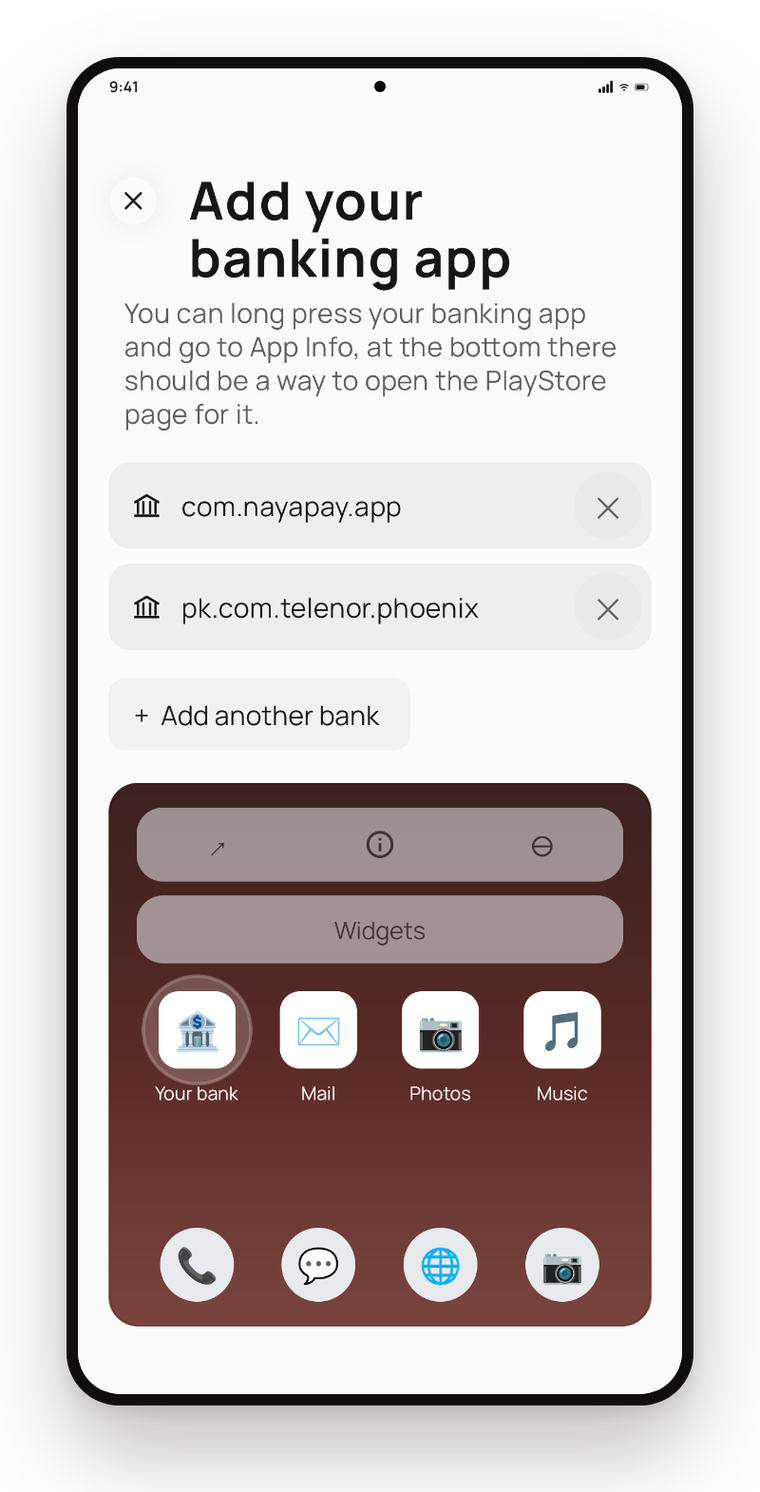
It only ever reads notifications from the apps you explicitly added — everything else is discarded on the app's name, before its text is looked at. One-time passcodes and verification messages are detected on the phone and dropped without being stored or sent. You can revoke the access in Android's settings at any time.
Where is my data stored?
On your device, encrypted with a key held in the Android Keystore. We run no server that holds your spending. Optional backups go straight into a private folder in your own Google Drive that only Onetap can see.
Can I get my numbers out?
Yes. Export to CSV for a spreadsheet, or to a PDF statement you can read, send or file. Both use the same exact amounts you see on screen.
Does it work offline?
Your ledger, budgets and exports all work offline. Voice entry needs a connection to transcribe; if the model can't be reached, Onetap falls back to a parser that runs on the phone and still opens the editor for you. Bank notifications are kept and processed once you're back online.
When is Onetap launching?
Onetap is in the final stages before release. Join the waitlist below and you'll get one email the moment it's available — nothing else.
Will there be an iOS version?
Onetap is Android-first for now. Bank automation depends on Android's notification access, which iOS does not offer, so an iOS version would work differently.